
How to: workspaces & projects
How-to · Core Studio 3.0 · Verified 2026-09-01
Goal: organize your work into a project the Studio can build, search, and version — understanding what the manifest does and doesn’t contain.
The mental model
- Elements live in the AOT model store — always
(
<aotRoot>\<Model>\<Module>\<AxType>\<Name>.xml). - A project is a manifest + Studio state — it references elements via the index; it never copies them. A project folder deliberately contains no element sources.
Standalone project layout
<chosenDir>\<ProjectName>\ <ProjectName>.rnrproj ← the manifest .gitignore ← seeded (build artifacts + studio local state) README.md ← optional one-liner seed .xppstudio\ ← studio-owned state project.json ← pane UI state (gitignored) ai\ sessions\ ← project-scoped chat sessions (gitignored) artifacts\ ← AI outputs worth keeping (tracked)A project inside an existing workspace follows the same shape at
<workspaceRoot>\<Name>\<Name>.rnrproj — discovery covers both.
Creating a project
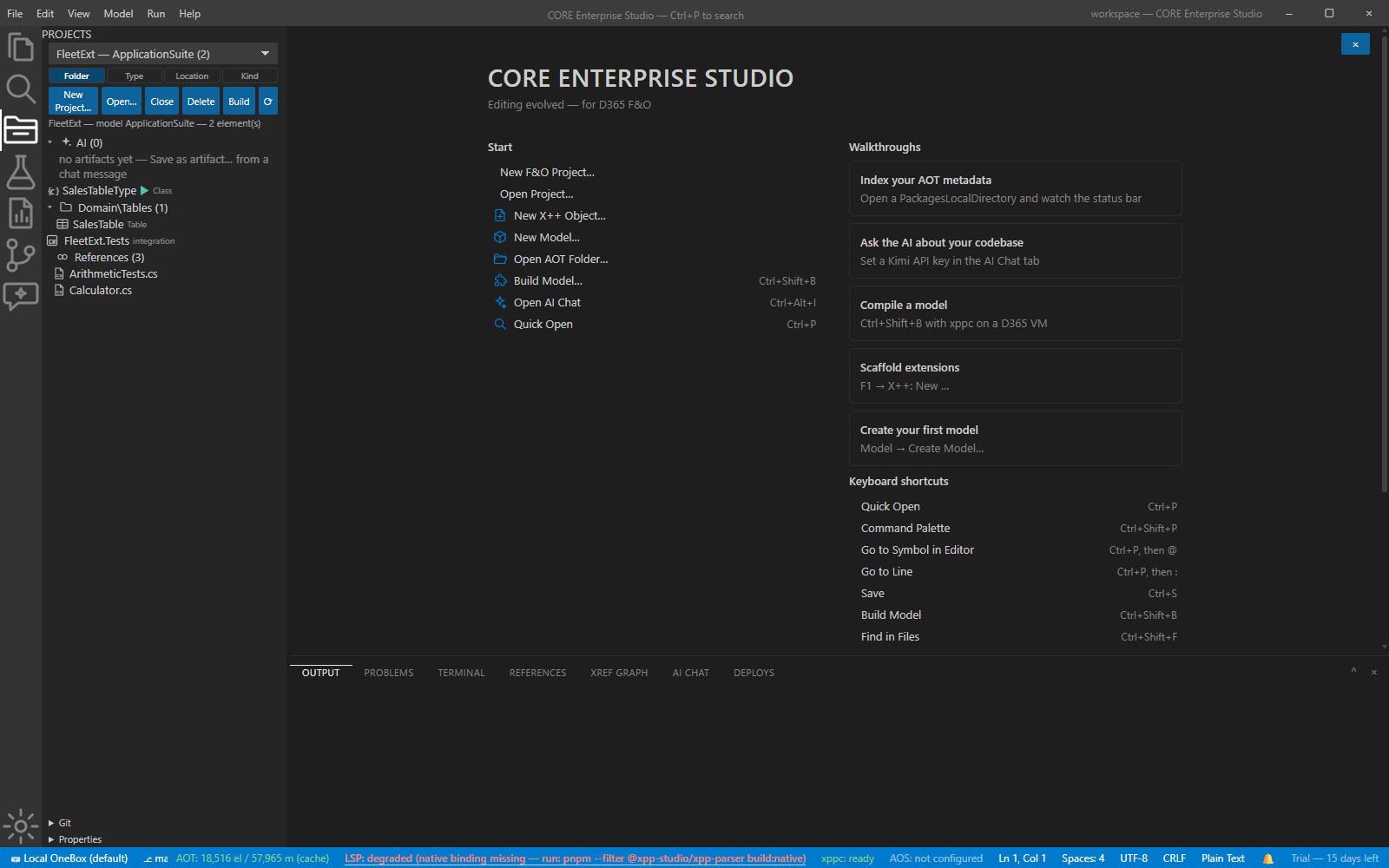
- Choose New Project from the Projects pane and pick the folder — anywhere you like, with one hard rule below.
- If the folder isn’t under the current workspace root, the wizard offers to open it as the workspace — every workspace-anchored feature keeps working.
- The
.gitignoreseed and.xppstudio/state are written for you.
Never inside the AOT packages root
A project folder under PackagesLocalDirectory would be crawled by the
metadata indexer itself. The wizard detects that case and refuses with a
clear reason. The project’s model lives in the AOT root; the manifest
stays outside. That separation is what keeps “by location” grouping
well-defined.
AOT roots and the project
Root resolution is unchanged (XPP_AOT_ROOT → File → Open AOT folder… →
default). Your project binds to a model in whichever root is active; switching
roots re-resolves elements through that root’s index. Per-root index caches
(%APPDATA%\xpp-studio\aot-index\<hash>.db) make switching cheap after the
first index.
Verify it worked
- The project appears in the Projects pane; its element nodes open the real AOT files.
git statusin the project folder shows a clean seeded layout (your.gitignorecoversbin/, studio local state, and AI sessions).
If it goes wrong
- Wizard refuses your folder — it’s inside the AOT root; pick anywhere else.
- Elements don’t resolve after a root switch — the new root’s index is still converging; element nodes fill in as tiers land (the status bar shows progress).
Next: create a model · environment profiles.