
Tutorial: solution review & impact analysis
Tutorial · Core Studio 3.0 · Verified 2026-09-01
Persona: solution architect / technical lead · Time: ~20 minutes · Requires: any AOT root (VM or exported metadata).
Prerequisites
- The root open and its index converging — for a full-system review, wait for
index-tier-complete(the status bar tells you); partial results are fine for browsing, not for conclusions.
1. Open the root and read the map
Point the Studio at the metadata folder. Within seconds the explorer is browsable — start navigating while deeper tiers parse in the background. The status bar tells you exactly how complete the index is.
2. Answer “who uses this?”
Select any element — a table, a class, a method — and run find-references. The cross-reference web answers across the entire system
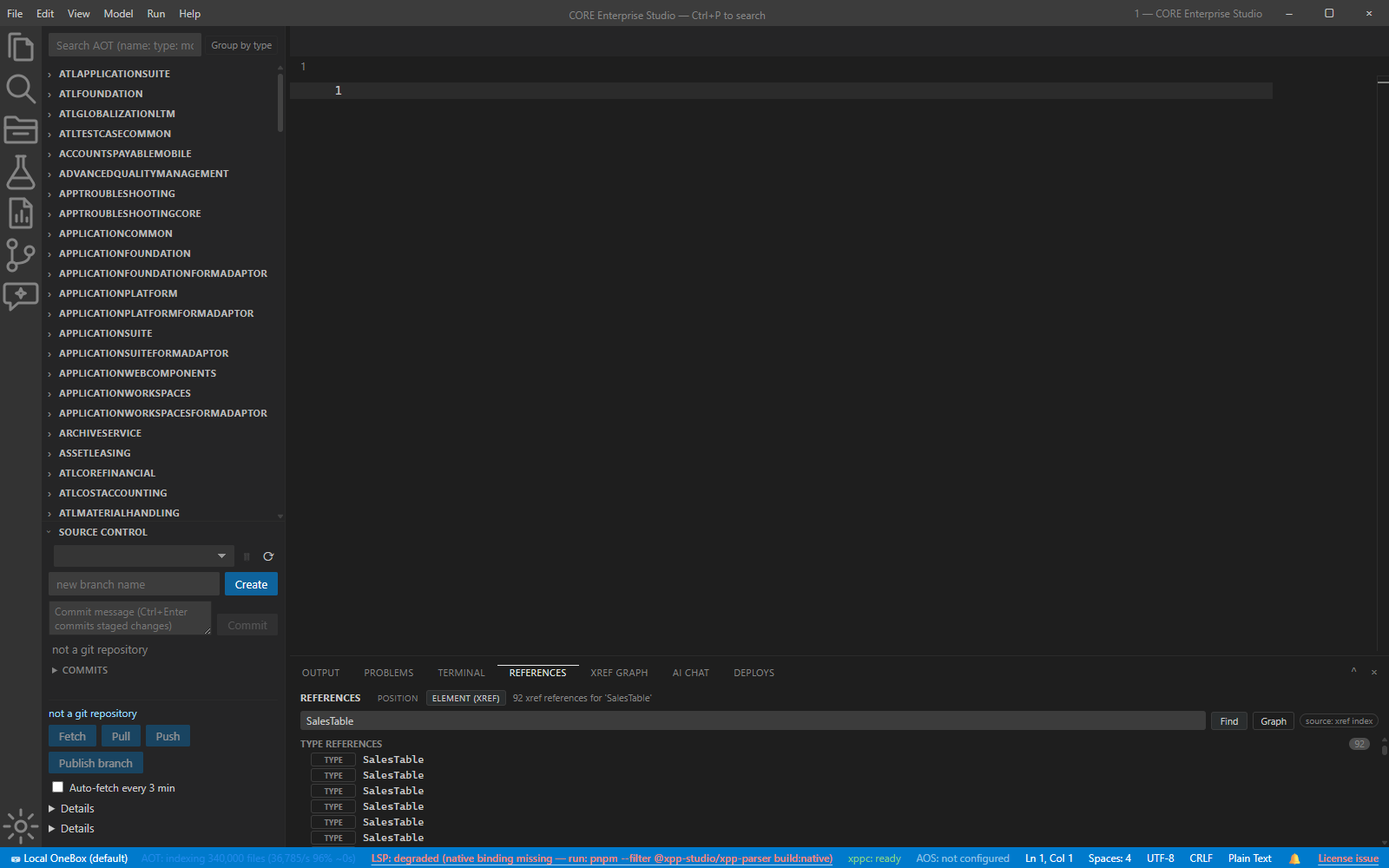
3. Read the code, not the XML
Open any element: X++ renders with full language smarts; Ax*.xml metadata
stays navigable — go-to-definition works inside it (index-backed). Jump from a
reference to a definition to its callers in one search.
4. Review against the ecosystem’s rules
The best-practice advisor checks the ecosystem’s coding rules continuously. Open the Problems panel for the model you’re reviewing: model diagnostics are separated from collapsed environment noise, so your review reads your code, not Microsoft’s references.
5. Scope a change safely
Before committing to a change: search the source (FTS5, BM25, model-scoped)
for the patterns you’ll touch; check the git panel for the root’s working-tree
state; and note that search results are flagged partial until the FTS tail
converges — for a full-system review, wait for index-tier-complete.
Verify it worked
- A picked element’s references list every caller you expected — and at least one you didn’t (that’s the review working).
- The Problems panel shows only your model’s diagnostics with the Environment group collapsed.
If it goes wrong
- A negative search surprises you — check the partial flag; wait for convergence before writing the review.
- Pickers feel thin — a lower index tier; give tier 3 time to parse Microsoft models.