
Walkthrough: AOT browsing & index lifecycle
Action walkthrough · Core Studio 3.0 · OneBox · Verified 2026-09-01
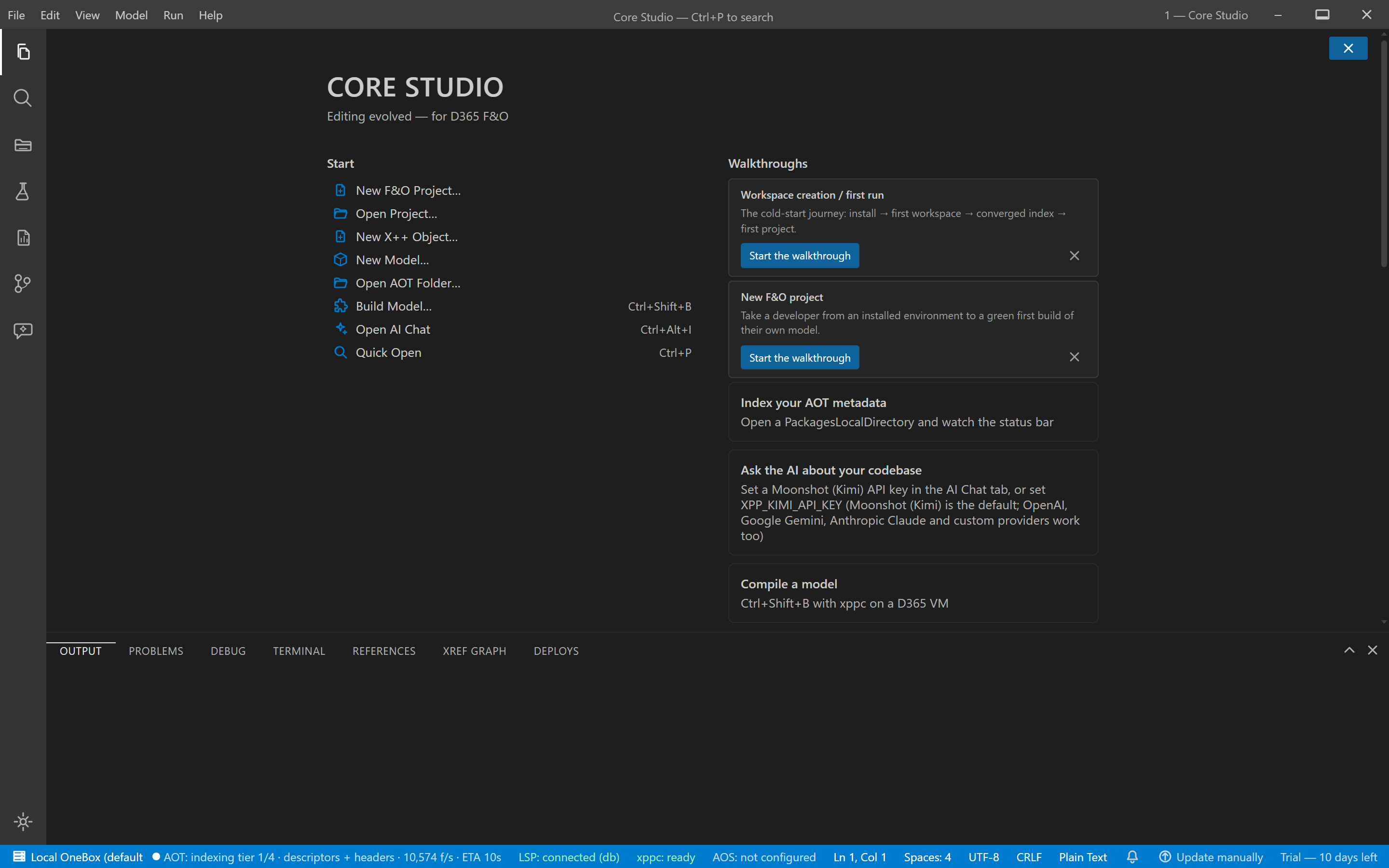
Concept: opening a root starts a tiered, background indexing lifecycle. Understanding the tiers means understanding exactly what you can trust at any moment — the product tells you, per surface.
Prerequisites
- A D365 metadata folder (typically
C:\AosService\PackagesLocalDirectoryon a onebox VM) or exported metadata.
Steps
- Open the root —
XPP_AOT_ROOT, File → Open AOT folder…, or the default. - Watch tier 1 (descriptors & headers, no XML parsing): the AOT explorer is browsable almost immediately, even at ApplicationSuite scale (350k+ files).
- Tiers 2–3 parse your models, then Microsoft’s (methods, enum values) — navigation, hover, and pickers get progressively smarter.
- Tier 4 drains method sources into the FTS index — source search fills in.
index-tier-completefires — the index has fully converged.
Reading freshness
- Save a file → incremental reindex of just that file.
- Relaunch → unchanged root loads from cache in seconds
(
[aot] loaded N elements from cache in Xs); a chunked background pass reconciles any on-disk changes.
Verify it worked
- The explorer answers before tier 2 finishes; go-to-definition sharpens as tiers land; search’s partial flag clears at convergence.
If it goes wrong
- Re-indexes every launch — fingerprint mismatch or locked/corrupt DB;
check
[aot]logs, delete the root’s cache DB, rebuild once. - “database is locked” at boot — transient WAL race; the LSP retries and recovers on its own.
Troubleshoot further: Indexing guide.