Opening & indexing a root
Guide · Core Studio 3.0 · Verified 2026-09-01
The Studio’s foundation is an index of the entire ERP object catalog. It reads the metadata folder the moment a project opens and stays current as files change.
Root resolution
XPP_AOT_ROOTenvironment variable — explicit override, wins over everything.- File → Open AOT folder… — persisted to settings, re-indexed immediately.
- Default —
samples/in dev builds; an empty per-user folder in the packaged app until you pick a root.
Indexing tiers
| Tier | Content | What you get |
|---|---|---|
| 1 | Descriptors & headers (no XML parsing) | AOT explorer browsable almost immediately |
| 2 | Your models, fully parsed | Methods, enum values for your code |
| 3 | Microsoft models (Application* prefix) | Full system coverage |
| 4 | Full-text search tail | Method sources drained into the FTS index |
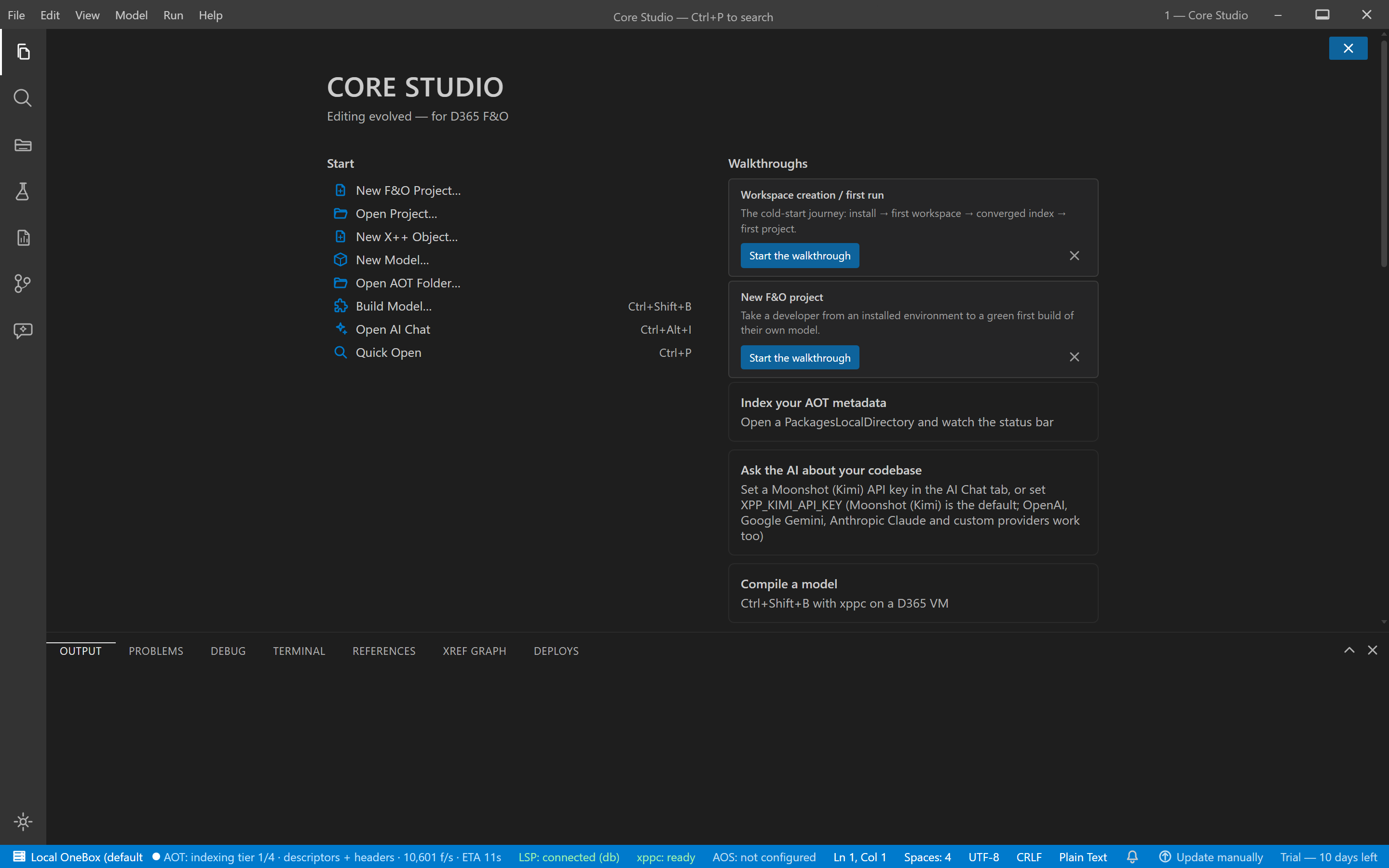
The status bar’s AOT segment shows live progress (files/s, %, ETA).
Caching & freshness
- The index persists per root at
%APPDATA%\xpp-studio\aot-index\<hash>.db— an unchanged root reloads from cache in seconds. - A chunked background pass reconciles file changes after load.
- Saving a file in the editor triggers an incremental reindex of just that file.
Verify it worked
- After a first open, the explorer answers immediately and the tier-2/3 content fills in behind it.
- On the second launch, the log line
[aot] loaded N elements from cache in Xsconfirms the persisted index was reused. index-tier-completefires; search results stop carrying the partial flag.
If it goes wrong
- “database is locked” at boot — a transient WAL race with the indexing worker; the language server retries with backoff and recovers on its own.
- Re-indexes every launch — check the
[aot]log lines, then delete%APPDATA%\xpp-studio\aot-index\<hash>.dbto force one clean rebuild. - Loose files shown as their own “models” — cosmetic; model names come from the first folder segment, and real Microsoft layouts group correctly.