
Walkthrough: Environment profiles
Action walkthrough · Core Studio 3.0 · OneBox / UDE · Verified 2026-09-01
Concept: an environment profile describes the D365 environment the Studio works against. This page is deliberately limited to what the product’s own documentation evidences — where a profile’s behavior isn’t evidenced, we say so instead of inferring UI or settings that may not exist.
What is evidenced today
- An active environment profile drives assembly hint paths when you
Add F&O Reference… to a C# companion: the Studio resolves
Dynamics.Ax.<Model>,Xpp.Support, andData.Corereference paths from that profile (see the C# companion guide). - The product distinguishes topologies — the classic onebox/VM world and Microsoft’s cloud-side UDE path. UDE deploy support is roadmap (acceptance suite authored, awaiting a Microsoft testbed) — badged as such wherever it appears.
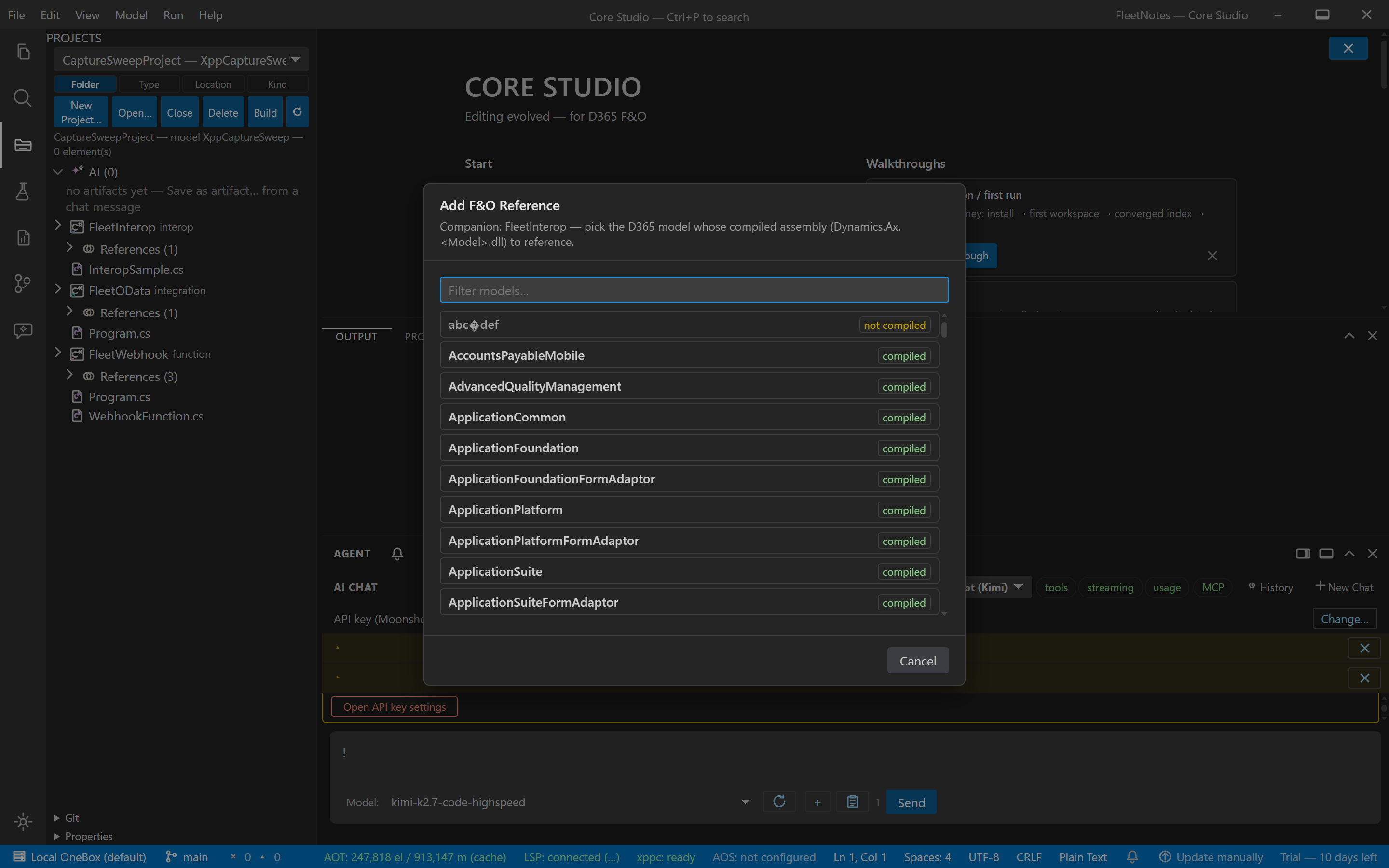
Verify it worked
- After Add F&O Reference…, the C# language server completes F&O types with zero assembly-load failures — proof the hint paths resolved correctly.
If it goes wrong
- Completion against F&O assemblies fails — re-run Add F&O Reference… and check that the active profile matches the environment whose assemblies you mean to target.
Related: C# companion projects · Troubleshooting & limitations.