C# companion projects
Guide · Core Studio 3.0 · Verified 2026-09-01
An .rnrproj project can carry C# companion projects beside its X++
elements — one folder, one index, one window. Companions render as their own
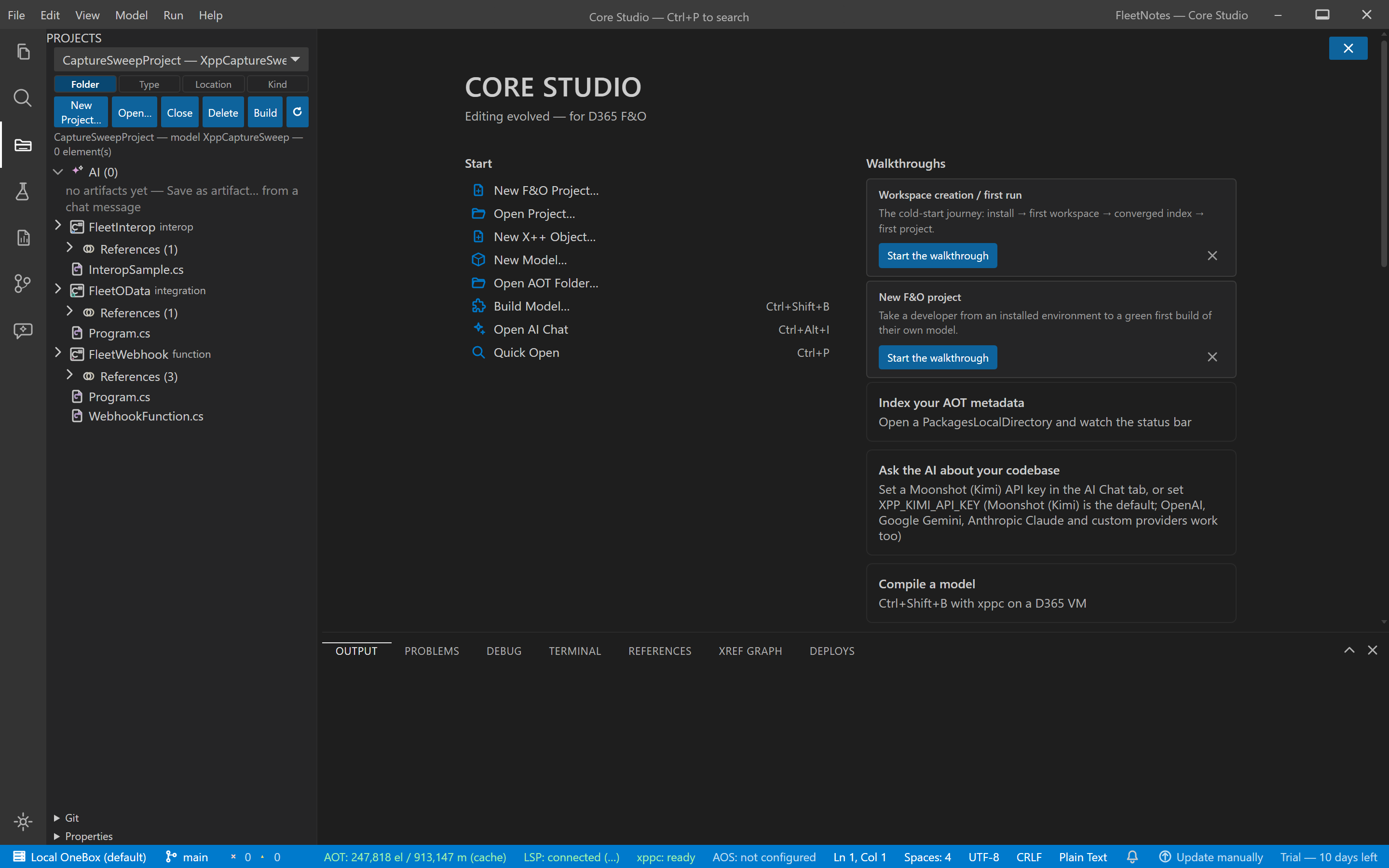
typed subtree in the Projects pane (C# and X++ never interleave).
Templates
- F&O interop library (net48) — a managed class library callable from X++; builds with the .NET SDK alone (no Visual Studio targeting packs).
- F&O OData client (net8) — consumes F&O OData endpoints.
- Azure Function webhook (net8) — event/webhook endpoints beside the model.
Add via Projects pane → Add C# Companion Project… (or the File menu).
Edit & build
- Full C# language server (csharp-ls, pinned) — diagnostics, completion, hover, go-to-definition, references, symbols — including completion against live F&O assemblies once a reference is added.
- Build / Rebuild runs the real .NET SDK build: dirty editors save first, MSBuild diagnostics land in Problems (click to navigate), and an explicit verdict line always prints — succeeded / failed / up-to-date, never silent green.
- Add F&O Reference… writes the
Dynamics.Ax.<Model>+ support assembly references with hint paths resolved from the active environment profile.
Deploy an interop library
Build + Deploy Interop Library… — the full loop in one staged, cancellable
pipeline: build the companion → copy DLL + PDB into PackagesLocalDirectory\<Model>\bin
and write the required AxReference AOT element → scaffold the X++ wrapper
class → compile the model with xppc. Proven on-VM end-to-end: an X++ SysTest
calling the C# method passes at runtime.
Run tests
The Testing view carries a .NET (dotnet test) provider beside SysTest — same glyphs, same results-history shape. Pass/fail tallies stream honestly; a failing row navigates to the asserted file:line. (Tests appear after the first run.)
Debugging — the floor, exactly
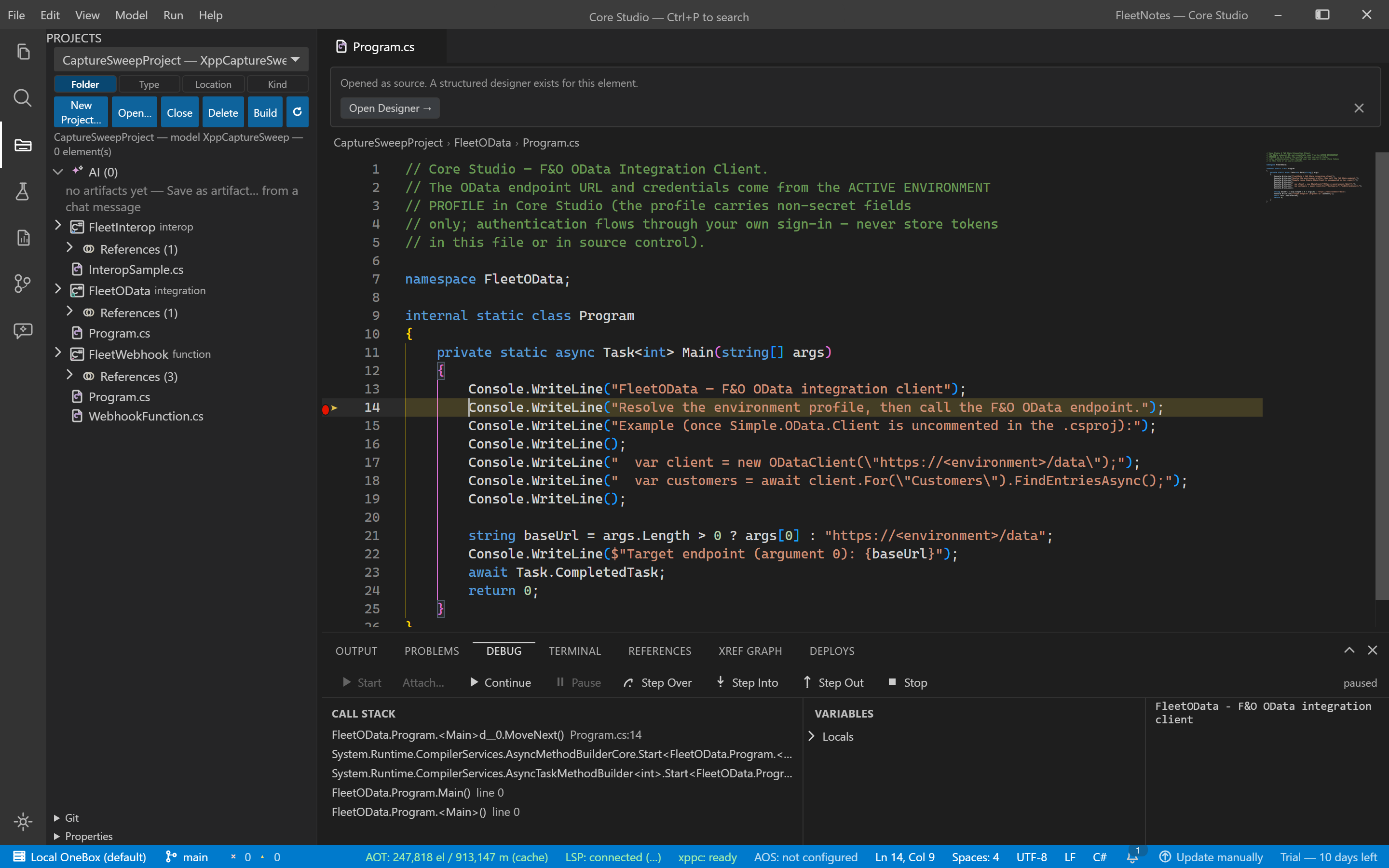
C# companions debug through a pinned netcoredbg adapter on the Debug panel
(launch/attach configs in <companion>/.xppstudio/debug.json).
Supported (.NET 8+ TFMs): launch console apps, breakpoints, step over/into/out, locals (incl. complex expansion), call stack, conditional breakpoints, and attach (the session auto-pauses right after attaching — the adapter cannot inspect a running process, so the Studio pauses for you). AOS-process attach is out of scope.
Verify it worked
- Companion builds print an explicit verdict (succeeded / failed with errors / up-to-date) — never silent green.
- After Add F&O Reference…, the language server completes F&O types with zero assembly-load failures.
- A debug session on a .NET 8 companion pauses at your breakpoint with locals readable; on attach, the session auto-pauses and the call stack is immediately readable.
If it goes wrong
- Debug on a net48-only companion — expected: the typed state explains the net8-host pattern (build/edit/deploy remain fully supported).
- A logpoint stops execution — read the session-start toast: netcoredbg doesn’t support logpoints, so it was converted to a normal breakpoint and the conversion was named.