Build, deploy & packaging
Guide · Core Studio 3.0 · CI · Verified 2026-09-01
Build Model
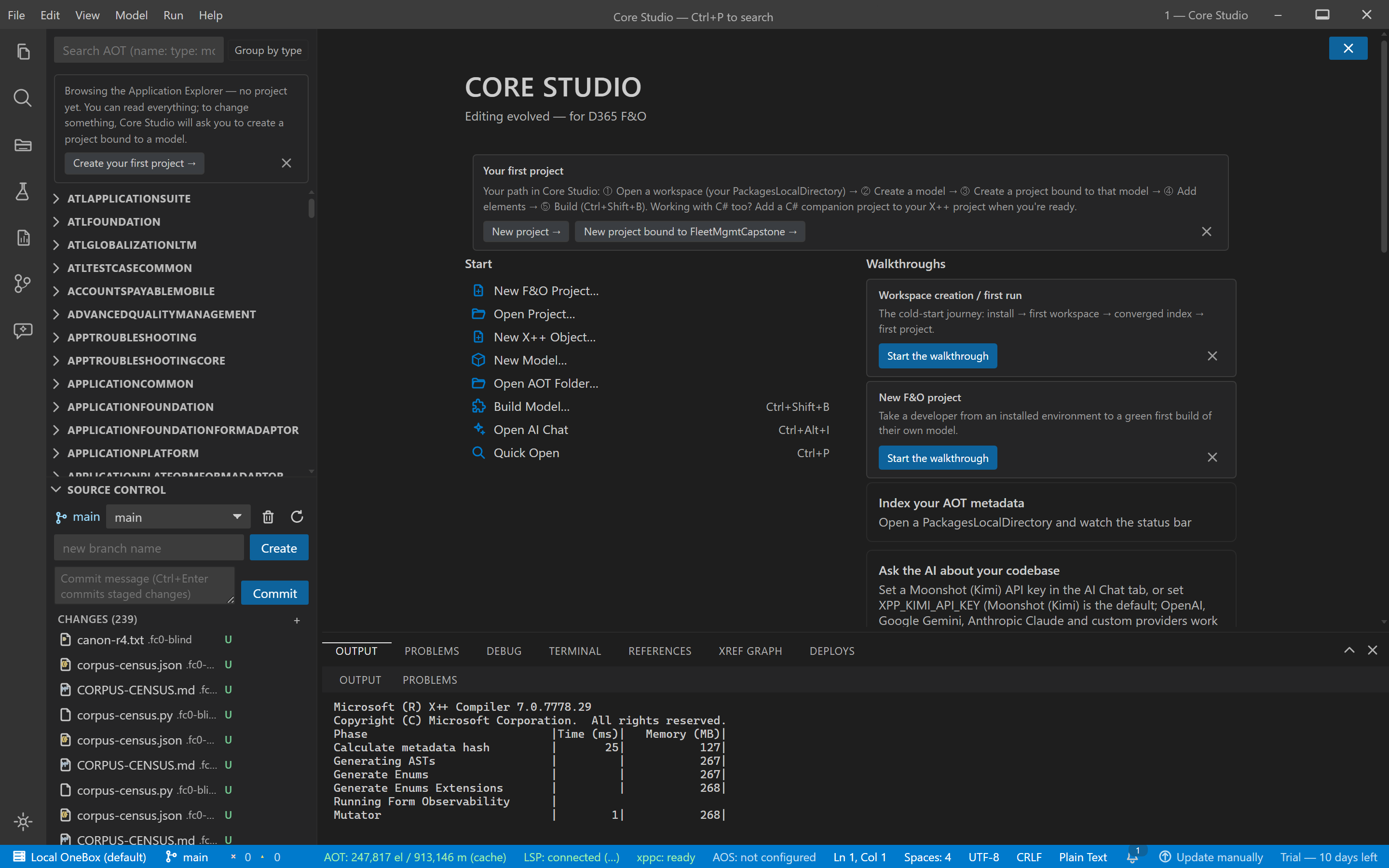
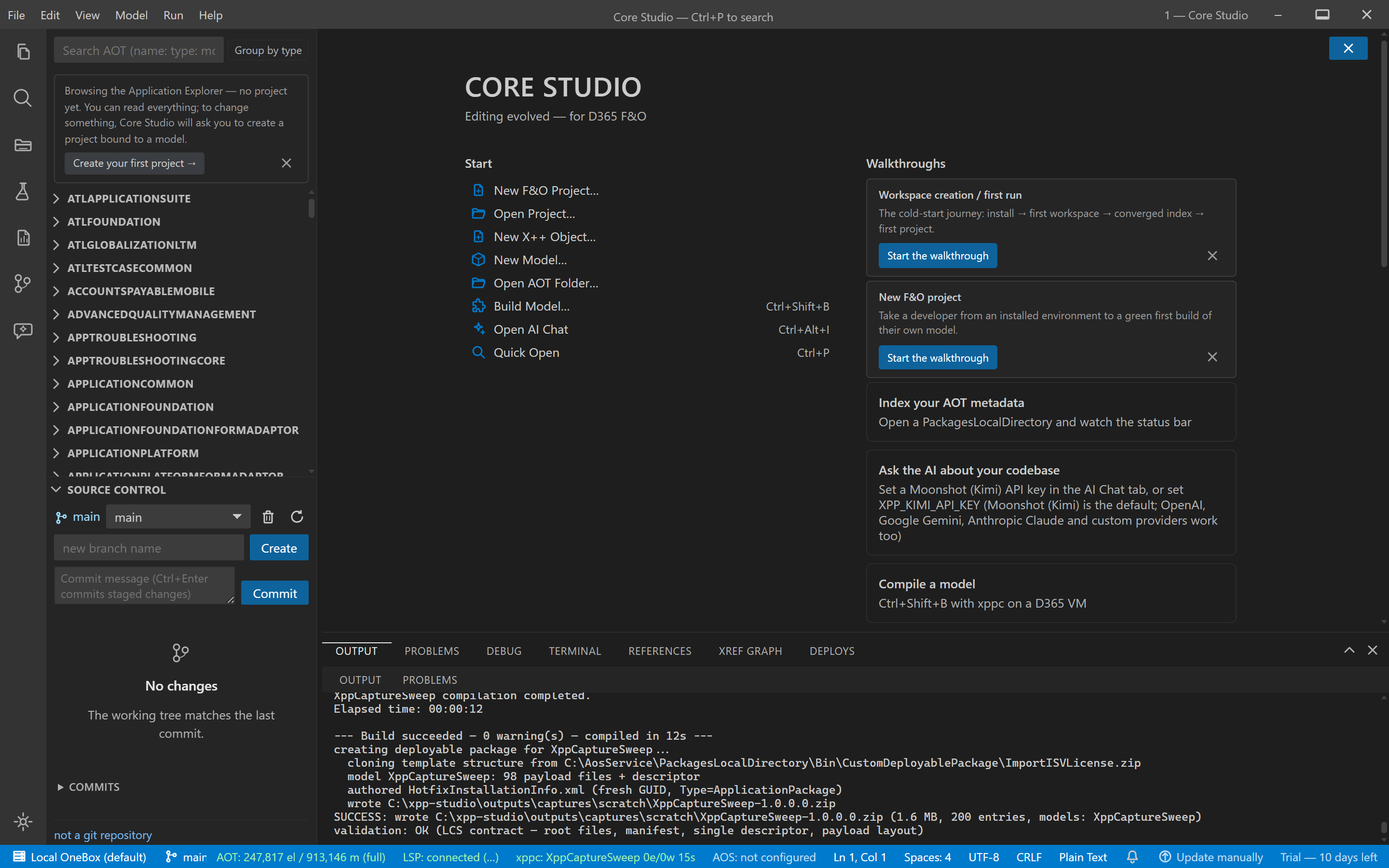
File → Build Model… (Ctrl+B) or F1 → “X++: Build Model…”. Pick a model; the compile runs in the background through the real xppc toolchain and streams into the Build drawer. The Problems tab separates model diagnostics from the collapsed Environment group (external-reference noise). Click a diagnostic to open the file at the line.
Deploy pipeline
File → Deploy: Build → DB Sync → iisreset as one cancellable pipeline with a single confirmation dialog and stop-on-fail.
- Elevation required: DB sync and iisreset need administrator rights — run the Studio as Administrator. The pipeline checks first and fails fast with a clear message when not elevated.
- DB sync uses d365fo.tools
Invoke-D365DbSync(auto-detected).
Create a deployable package
File → Create Deployable Package builds an LCS-layout zip
(<Model>/bin/** + Descriptor) with structural validation. Upload the zip to
the LCS asset library by hand.
CI pipeline scaffolding
File → Generate CI Pipeline… scaffolds an Azure DevOps pipeline whose build and test stages use the Studio’s own headless invocations — a green in-IDE run and a green pipeline mean the same thing. Full detail: CI pipeline scaffolding.
Verify it worked
- The build drawer ends with an explicit verdict line; clicking any diagnostic opens the file at the exact line.
- The deployable package zip opens to an LCS layout (
<Model>/bin/**+ Descriptor) — uploadable to the LCS asset library as-is. - The deploy pipeline shows its stages and honours stop-on-fail; cancelling leaves a clean, stated end state.
If it goes wrong
- Build/deploy unavailable — not on a D365 VM, or xppc/d365fo.tools not detected; check the compile-bridge status segment.
- Deploy fails immediately — not elevated; restart the Studio as Administrator (the gate is deliberate).